


Mastering Attendance Discipline: How Ampletrails Bridges Keka HRMS and eSSL Biometrics
Integration Requirements: Keka HRMS & eSSL Biometric Device
The following business rules must be implemented to manage employee access and synchronization between Keka and the local biometric devices:
- Auto-Block (4 Days): If an employee does not record a punch on the eSSL biometric device for 4 consecutive days, their employee ID must be automatically blocked on the device.
- Auto-Delete (30 Days): If the employee remains inactive and records no punches for 30 consecutive days, their ID must be permanently deleted from the device to free up memory.
- Leave Exception: If an employee has applied for leave in the Keka system (regardless of whether the status is approved or pending), the 4-day automatic block must not be applied during the specified leave duration.
- Employee Exit: If an employee is marked as exited/terminated in Keka, their biometric access must be instantly revoked. They must not be allowed to punch on the device from the very next day onward.
In a modern enterprise, data silos are the enemy of efficiency. Ampletrails has engineered a sophisticated biometric integration with Keka that bridges the gap between your cloud HRMS and on-premise hardware.
1. Connectivity & Data Flow
Reliability is key. The connection between the HRMS software and the hardware is designed to handle network fluctuations robustly. We utilize a heartbeat mechanism where devices ping the server continuously, ensuring that commands (like new employee additions or deletions) are executed instantly.
2. The Integration Ecosystem
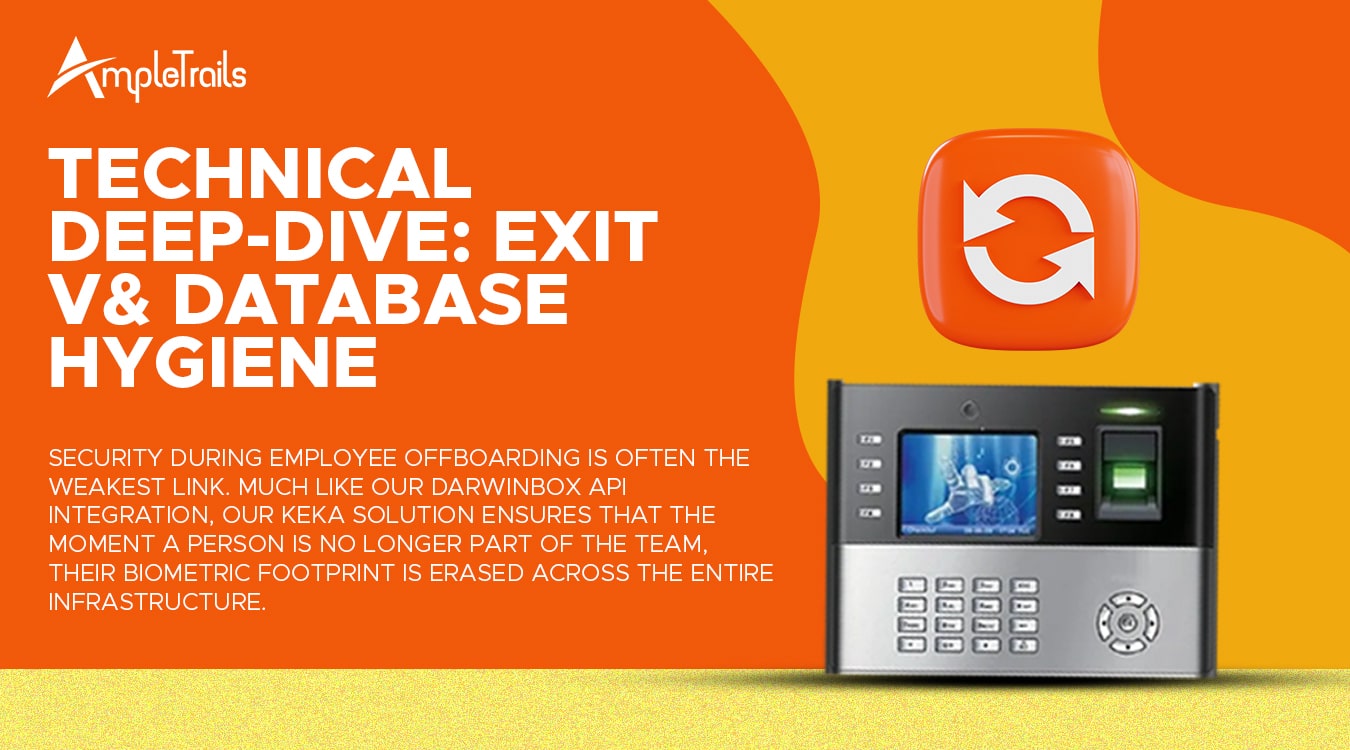
When your HR records in Keka don’t match the user database on your eSSL biometric machines, security risks arise. Our middleware sits between the Keka Cloud and your on-premise devices, automating the entire lifecycle of an employee record.
3. The Logic of Automated Record Deletion
We don’t just “disable” users; our system manages the biometric database dynamically. By utilizing advanced biometric APIs, our middleware makes intelligent decisions every hour to ensure your machines only contain active, compliant employees.

The “4-Day Discipline” Workflow
- Continuous Monitoring: The integration engine checks the
Get AttendanceAPI in Keka daily. - The Trigger: If the system identifies 4 consecutive days where no punch is recorded AND no leave is approved (Status: Absent), a deletion command is queued.
- Automated Deletion: The middleware pushes a command to all connected eSSL X990 devices to delete that specific User ID.
4. Seamless Leave & Shift Synchronization
One of the biggest pain points in attendance management is the discrepancy between “Applied Leave” and “Absent.” Our integration reads the Leave module from Keka directly.

If an employee has an approved leave in Keka, the biometric device is updated to reflect this status. This prevents the “Auto-Deletion” logic from triggering accidentally during legitimate vacations or sick leave.
5. Technical Deep-Dive: Exit Sync
Security during employee offboarding is often the weakest link. Much like our Darwinbox API integration, our Keka solution ensures that the moment a person is no longer part of the team, their biometric footprint is erased across the entire infrastructure.
| Keka API Parameter | Biometric Action |
|---|---|
EmploymentStatus = 1 |
Hard Deletion from all devices |
LWD (Last Working Date) |
Automatic deletion at 23:59 on LWD |
Scale Your HR Operations with Ampletrails
Stop worrying about manual device updates. Join the ranks of forward-thinking organizations using our cloud-based attendance solutions.
📞 Priority Consultation: 9315441078 / 9315441053
📧 Official Support: in**@*********ls.com
Request a Technical Demo:
 Matrix Cameras
 Matrix Product
 Biometric Machines